Carousels that look like you made them.

Bearousel is a Mac app that writes the slides, renders them in your style, and schedules the post. It learns your taste from carousels you already like.

14-day free trial. No card. macOS 14 or later.

Mike built Bearousel for his own accounts. The slides shown here came out of it.

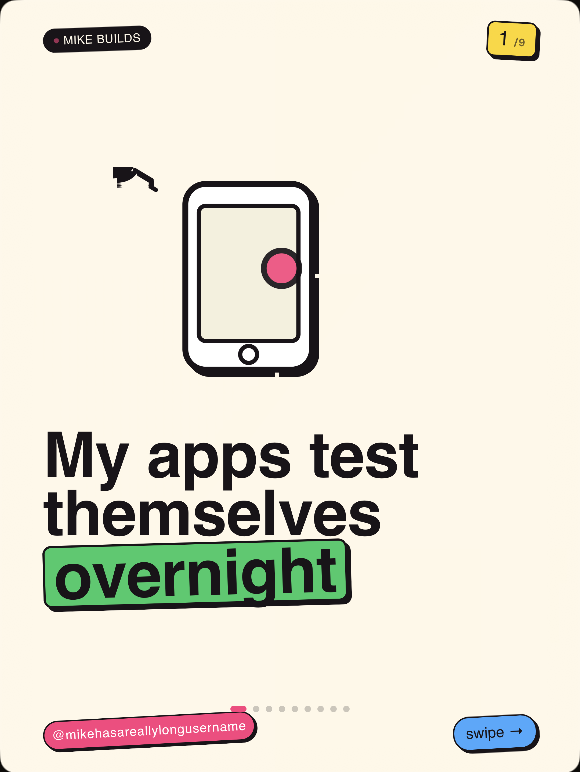
Slide 1 of a Bearousel carousel: My apps test themselves overnight, with a drawn phone and a green highlight on overnight.
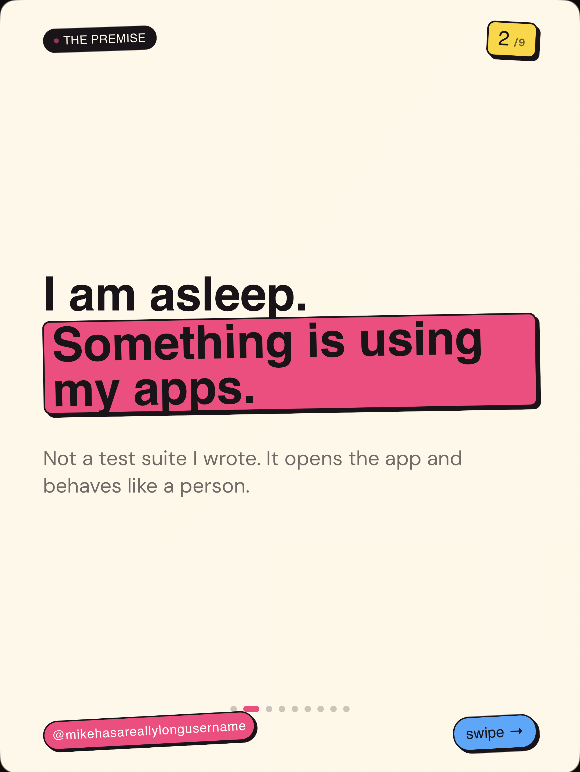
Slide 2: I am asleep. Something is using my apps, with a pink highlight block and an @handle tag.

Teach it a look.

Pick a taste profile and watch three slides render in it. In the app, the profile comes from carousels you show it.

Choose a taste preset

Dense text, quiet color, one long thought per slide. Learned from a founder who writes case studies.

THE SETUP1/3

Nobody trusted the analytics dashboard.

Three teams pulled three different revenue numbers from the same spreadsheet before a single board meeting.

@bearouselswipe →

THE FIX2/3

We rebuilt it around one query.

One source of truth

Every chart now points back to the same number, so the figure in the meeting matches the figure in the export.

@bearouselswipe →
THE RESULT3/3

Forecast meetings dropped to 15 minutes.

Nobody argues about whose number is right anymore. They argue about what to do next.

@bearouselswipe →

Sample slides. In the app these render as real 1080x1440 files from your own taste profile.

How it works

Three steps from an idea to a scheduled post.

  1. Start with an idea.

    Describe it in a sentence, or open a project from the sidebar and pick up where you left off.
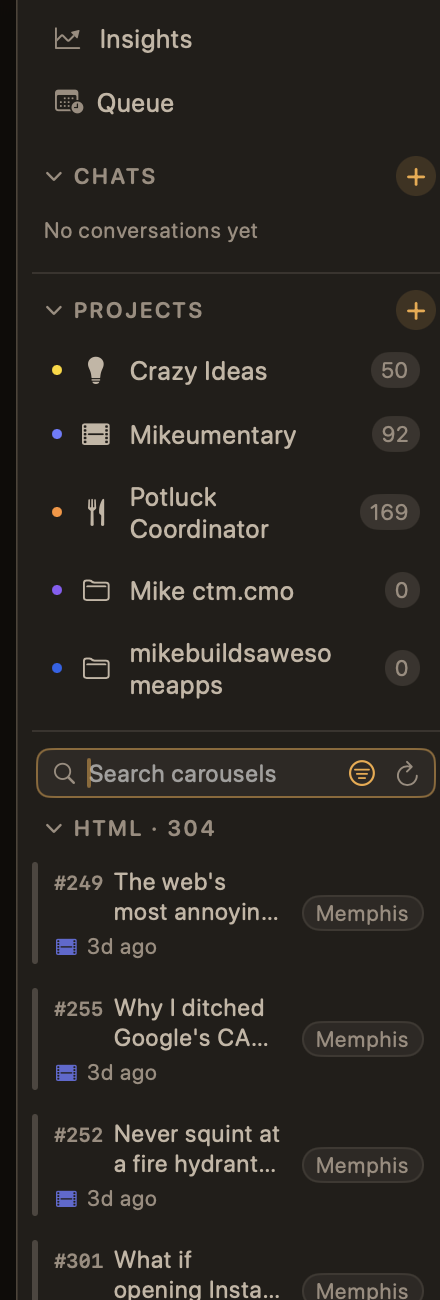
    The Bearousel sidebar showing Insights, Queue, chat history, and a list of projects including Crazy Ideas, Mikeumentary, and Potluck Coordinator.
  2. It writes and renders the slides.

    Headline, body and caption, rendered as finished 1080x1440 PNGs in the taste profile you taught it.
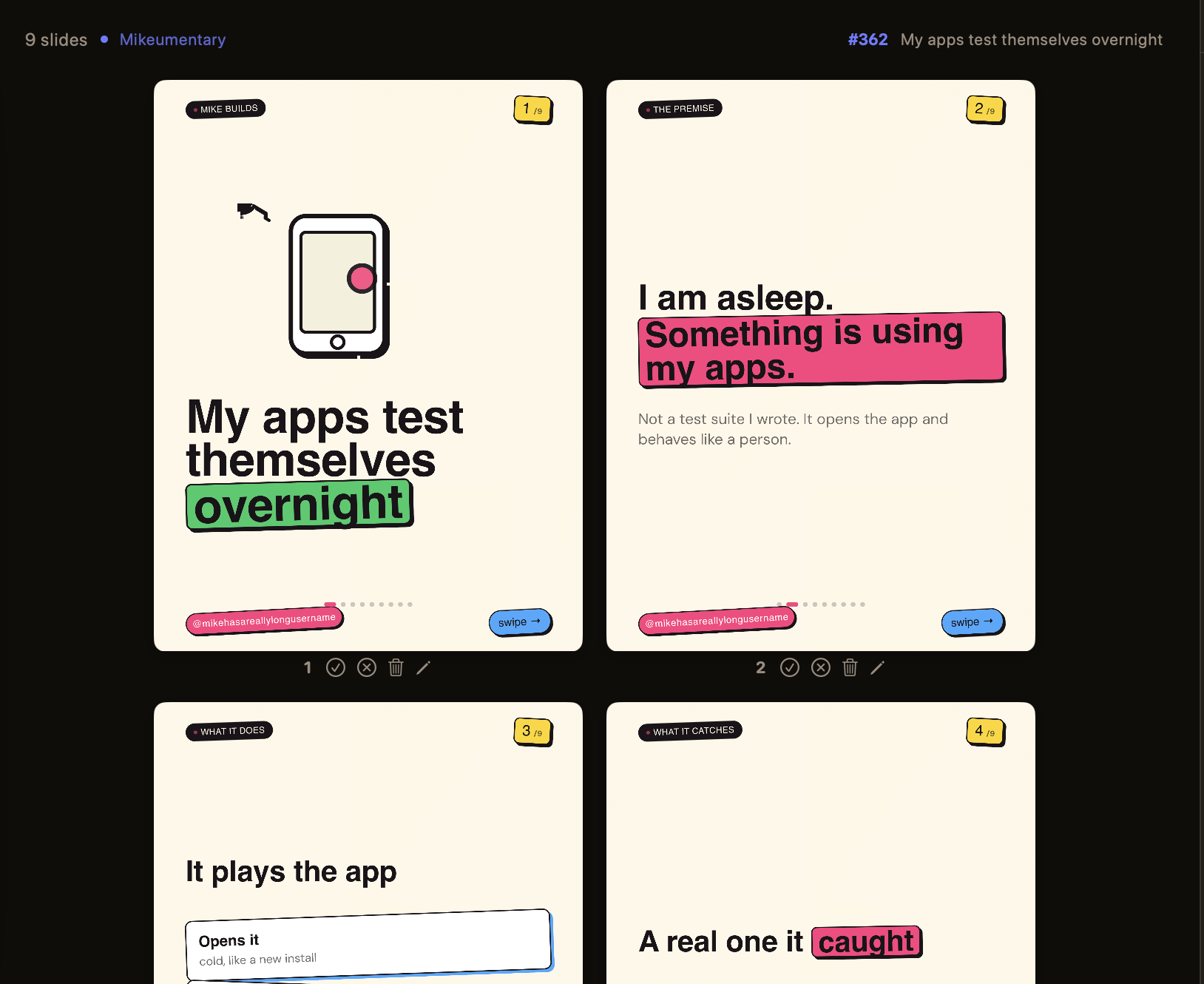
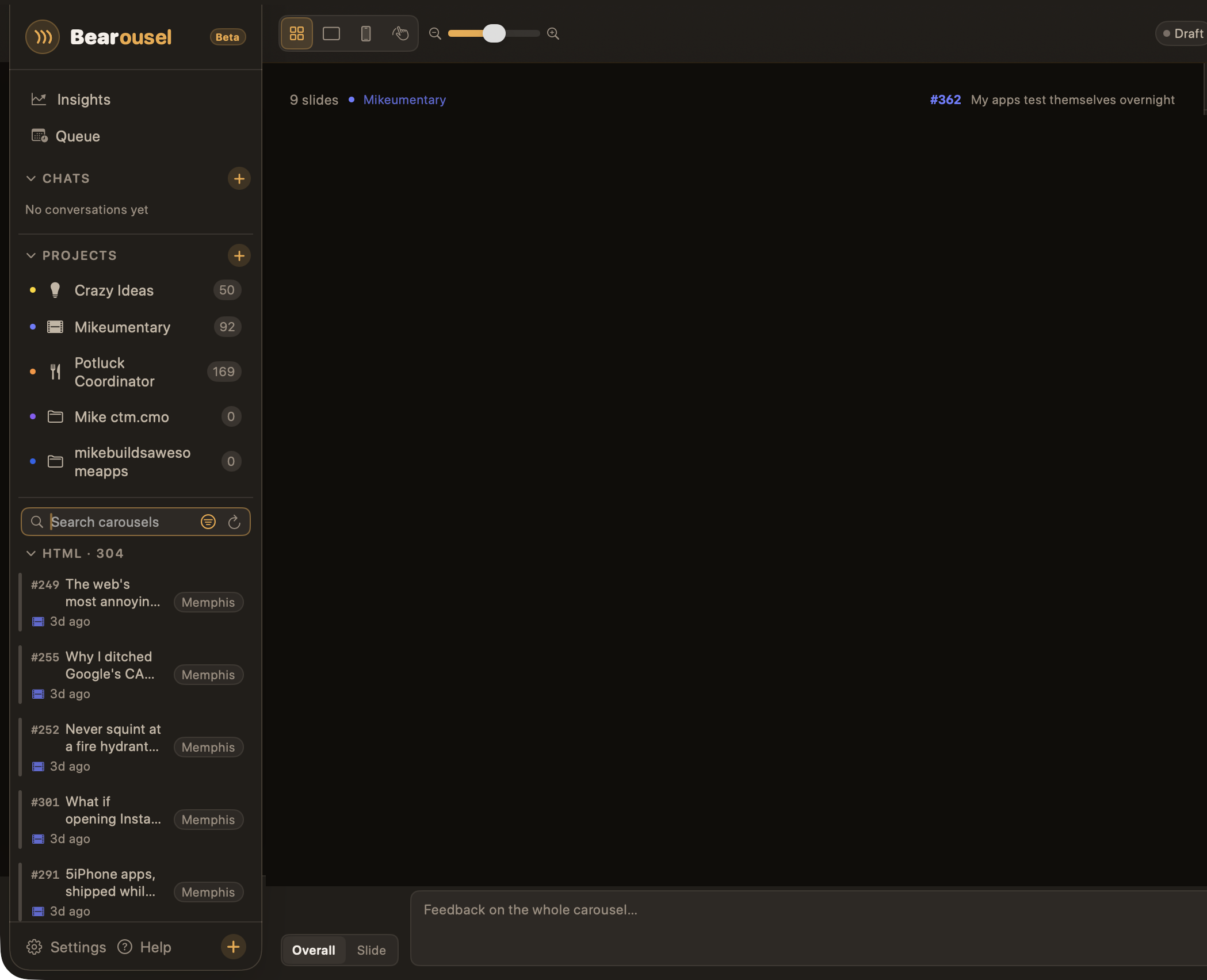
    Bearousel's grid view of a nine-slide carousel called My apps test themselves overnight, with approve, reject, delete and edit controls under each slide.
  3. Approve it. Buffer posts it.

    Approve each slide, or reject it and say what to fix. When every slide is approved, one click queues, schedules or sends it in Buffer.
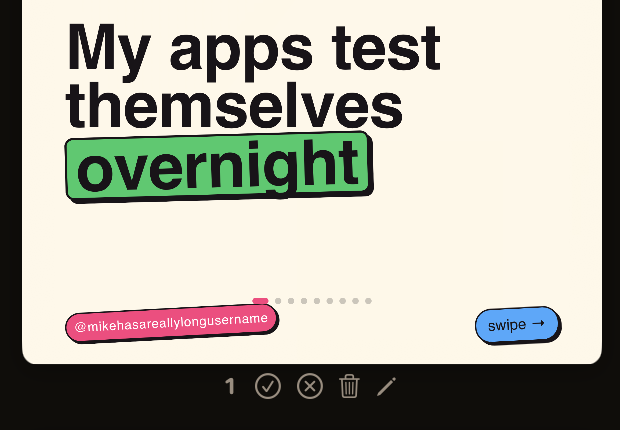
    A finished slide in Bearousel with its approve, reject, delete and edit buttons underneath.

It should look like you made it.

Same idea, same app. The only difference is whether it learned your taste first.

Generic template

5 Tips To Grow Your Page. 1. Post consistently. 2. Use trending audio. 3. Engage with your comments every single day.

Taught your taste

I built an app that tests my other apps while I sleep. It taps through the real screens and finds the bug a person would actually hit.

Use the AI account you already pay for.

Connect an Anthropic or OpenAI API key. Each request goes through our server to the provider you picked and comes straight back. We store none of it, and our logs hold request ids and timings only.

Every render happens on your Mac, and the finished PNGs save to a folder you choose. We don’t charge per carousel.

One price for the app. No per-carousel fees.

Every plan is the full app, and one seat covers one Mac. Your AI provider bills you directly for what you use.

Monthly

$24 per month

Billed monthly. Cancel anytime.

Lifetime

$399 one time

Use it forever. Updates included for 2 years.

14-day free trial from inside the app, no card. Refunds within 14 days of purchase.

Every plan renders on your Mac and writes with your own AI account. The PNG and video files Bearousel produces are yours: they save straight to a folder you choose, and we never receive them. Try it free for 14 days in the app. Type your email, we mail you the key, and you paste it into the app. No card. Each Mac gets one trial, and asking again sends the same key. Buying starts billing right away. One seat activates one Mac at a time. Need more than one Mac? Pick seats at checkout.

Questions before you install

What does Bearousel run on?
macOS 14 or later. It works on Apple silicon and Intel Macs. One seat activates one Mac.
How does the free trial work?
Open the app and type your email address. We mail you a trial key, usually within a minute. Paste that key into the app and every feature works for 14 days, with no card. If the mail does not arrive, check your spam folder and click Send it again next to the key field. Each Mac gets one trial, and asking again sends the same key, so reinstalling does not use it up.
Do I need my own AI key?
Yes. Connect an Anthropic or OpenAI API key. When Bearousel writes, it sends the text being written, your taste profile, and that key through our generation server to the provider you picked, and sends the result back. We store none of it, and our logs keep request ids and timings only. Your projects, your rendered slides and video, and publishing stay on your Mac. You pay the provider directly.
Does it really render the images?
Yes, locally. Bearousel produces the actual 1080x1440 PNG files on your Mac, not a preview. Video slides render as real files the same way.
Can I paste an Instagram link to teach it my taste?
You can, but Instagram fetching by link is unreliable. Dropping screenshots of carousels you like works just as well and is the more dependable option.
How does publishing work?
Approved carousels post through your Buffer account. Direct Instagram posting without Buffer is planned but not built yet.
What is the refund policy?
Email support@bearousel.com within 14 days of purchase and we will refund it.
How many Macs can I use?
One Mac per seat. A key comes with one seat unless you pick more at checkout, and annual and lifetime take up to 10. To move to a new Mac, open the app on the old Mac, open Settings, click License, then click Deactivate this Mac. You can also do it yourself on the account page at /account. If the old Mac is gone, email support from the address you used at checkout and we will free the seat.
Can I buy seats for my team?
Yes, on the annual and lifetime plans. Pick the number of seats on the Stripe checkout page, from 1 to 10. Each seat is one Mac and costs the plan price. You get one key that covers them all, and the account page shows how many Macs are on it.
Do you take promo codes?
Yes. Type it in the promo code box on the Stripe checkout page and the discount comes off before you pay.